
 2026-11-05
 PODCAST
 share
You are halfway through loading when one animal turns back towards the group. The others keep moving, and you lose sight of it. Was it already counted? How would automated animal counting handle that return?
At the end of the session, you still need to record a total. If a colleague questions the result later, how would you verify it once the animals have left?
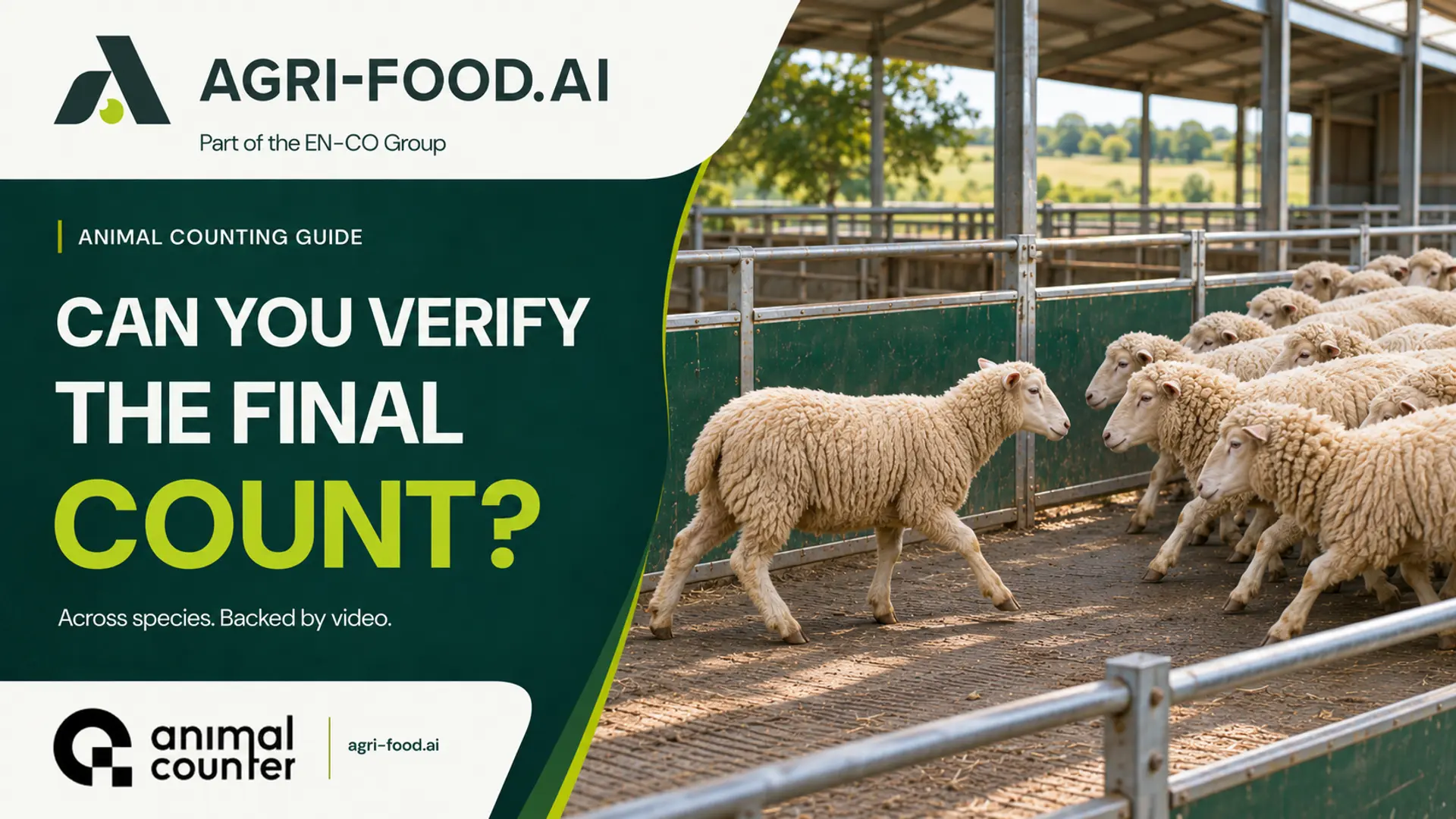
How automated animal counting handles returns
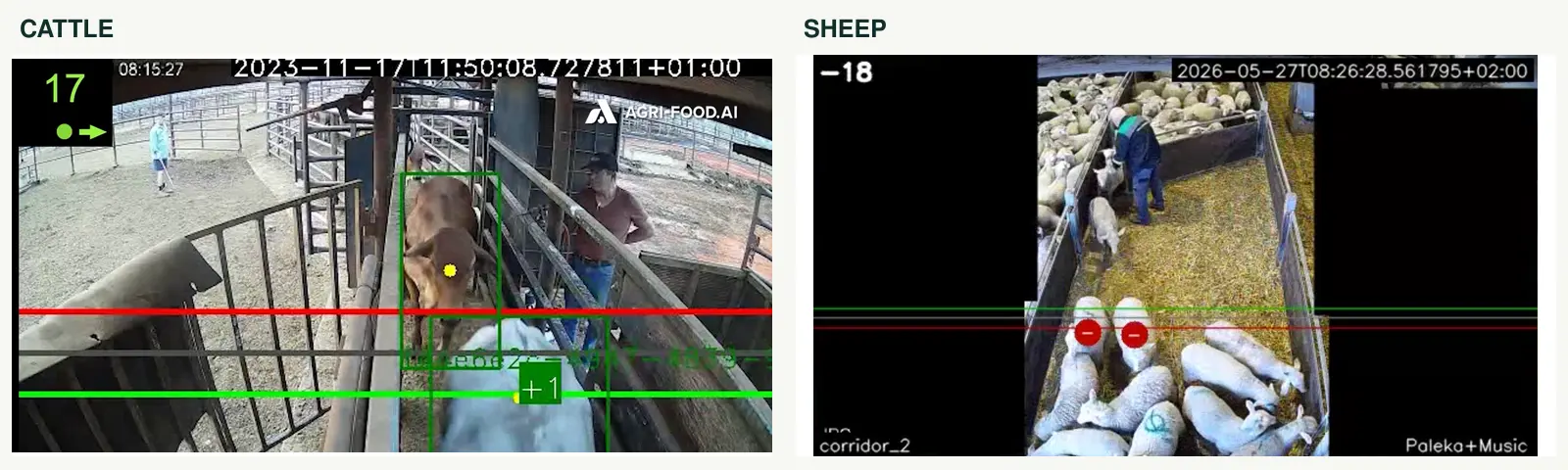
Automated animal counting uses camera footage to detect and follow animals through a defined area. AnimalCounter by AGRI-FOOD.AI uses overlapping entry and exit zones to count completed passages in both directions.
- A completed forward passage adds one to the count.
- A completed return passage subtracts one.
- Small movements within the overlap do not trigger repeated additions and subtractions.
The overlap acts as a buffer around the counting boundary. An animal that pauses there can remain in the same counting state until it completes the crossing. Position prediction supports tracking between frames. The camera view and zone settings must suit the passage.
Find the right lot and recording
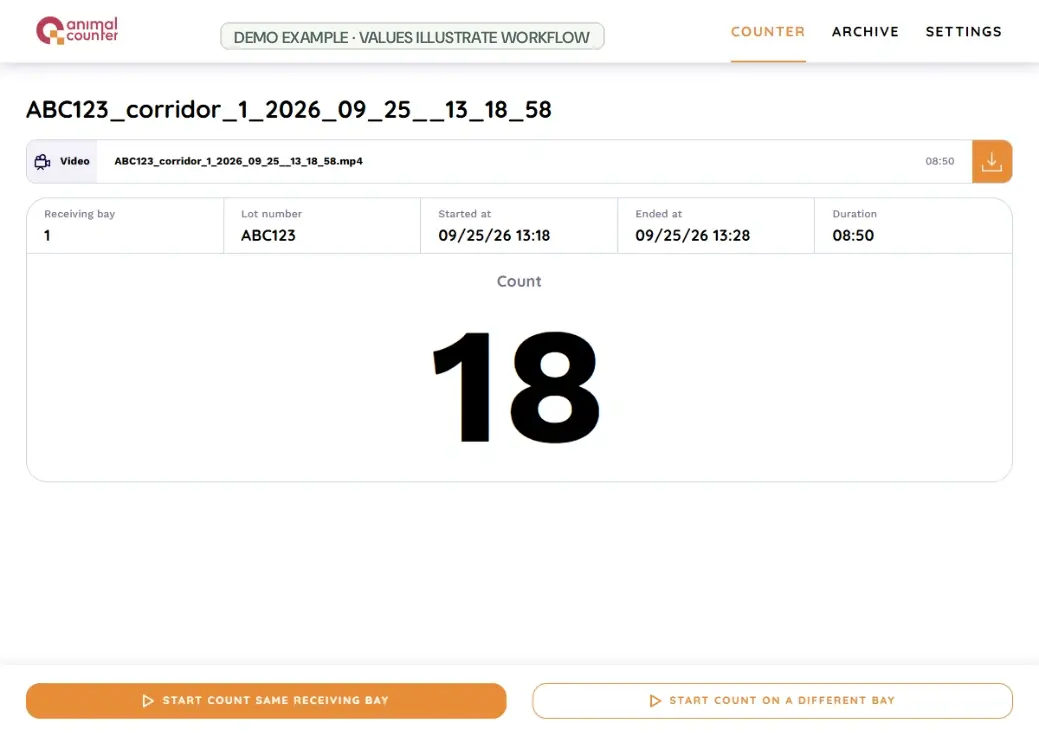
Before counting starts, the operator selects a receiving bay and enters the Lot / Freight number. For livestock transfers, this connects the session to the batch being moved.
At the end, the result shows the lot, receiving bay, start and finish times, final count and video. In Archive, your team can search for the lot, reopen the session and download its recording. Your team can also export the session records to Excel.
That gives your colleague a recording of the relevant session to review if someone questions the total. See the AnimalCounter product page for an overview or to request a demonstration.
Adapt the setup to your site
Automated animal counting needs a model and camera setup suited to the species and passage. AnimalCounter can be configured for cattle, sheep, pigs and poultry. We can assess the same workflow for other species.
CattleCounter and PigCounter cover cattle and pig counting. TruckCounter is a configuration for loading points or vehicles. Each installation needs a clear camera view of the animals passing through.
AnimalCounter can process video on a local unit or server without an internet connection. The camera, processing device and operator interface need power and a working local connection. Remote support or optional external services may need internet access.
Our earlier article on connectivity in agriculture looks at local operation in a wider farm setting. For your installation, agree who can access results and how recordings will be stored.
How to check animal counting accuracy
To check animal counting accuracy, test the camera view and the final total together. The full width of the passage should be visible, with a stable camera mount and suitable lighting. People, equipment and animals moving close together can obscure the view.
Compare the system total with a checked manual count of the same complete session. Include forward movement, pauses and returns, and verify that the recording was saved. Use the same checking procedure when assessing further sessions at the site.
Australian research on cattle receival also connects verified head counts with consignment records. The project evaluates a separate proof of concept and does not validate AnimalCounter.
Start with your own passage
Think back to the animal that turned around. At your site, would it remain visible to a camera throughout the passage? The species, passage width, lighting and camera position all help determine a suitable setup. Your team also needs a way to retrieve the right count and recording after loading.
Contact AGRI-FOOD.AI with a photo or short video of your passage and request a demonstration. We can discuss camera placement, local processing and the records you need, then assess how automated animal counting would fit your site.

AnimalCounter brings the final count, lot details and recorded video together, helping your team find and review the right session after loading.
2026-11-05


 Our website uses cookies