
 2025-03-19
 PODCAST
 share
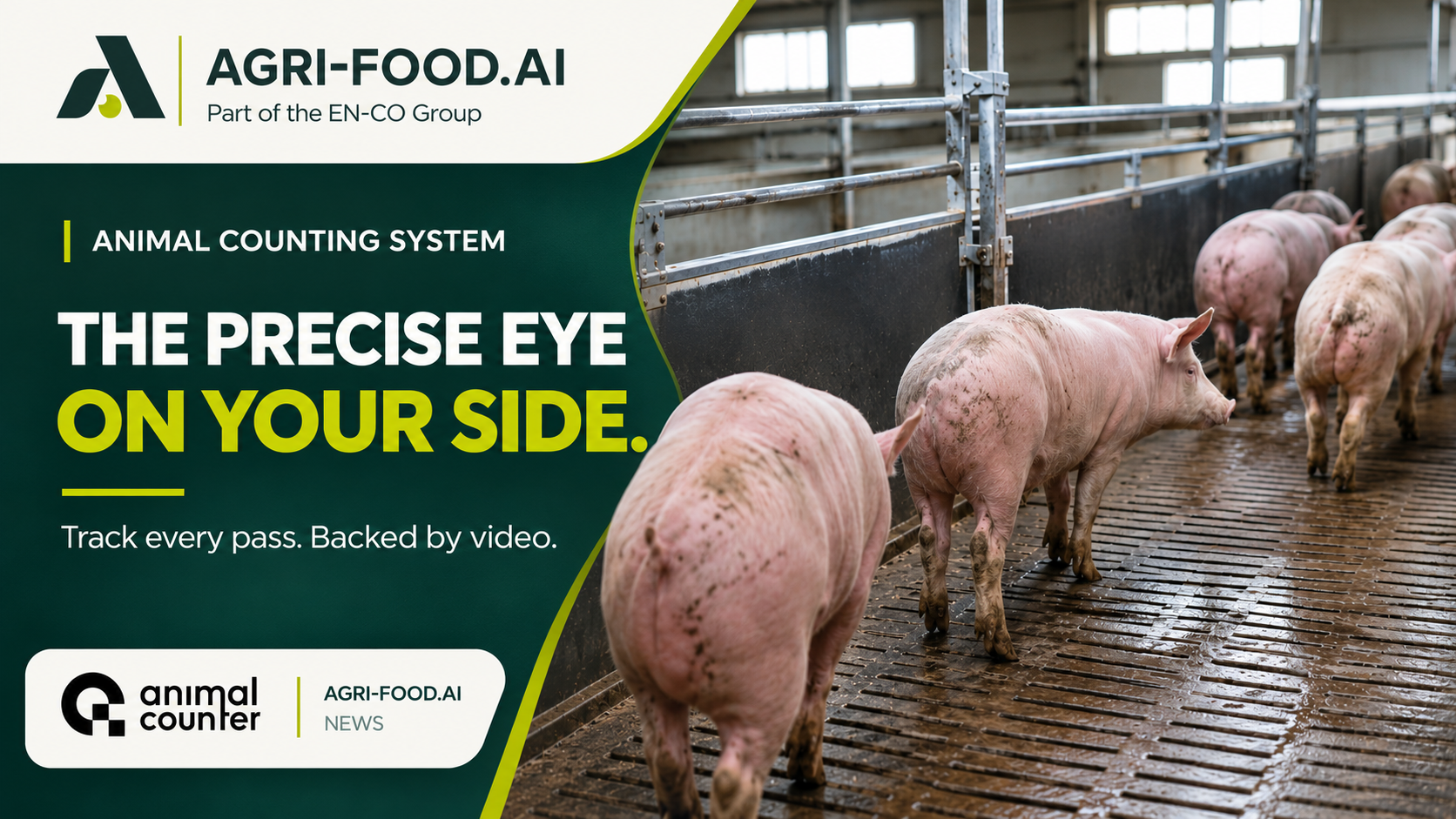
Have you ever wondered how a camera can keep count of a constantly moving herd? Can machine vision produce a count your team can review later? AnimalCounter by AGRI-FOOD.AI is a camera-based livestock counting system that links animal movements to a recorded counting session.
Why livestock transfers need more than a handwritten tally
At a busy loading point, staff may be guiding animals, opening gates and recording totals at the same time. Meanwhile, the group may speed up, slow down or crowd the corridor. The tally matters for stock records, transport documents and handovers.
When the recorded numbers differ, it helps to know which passage was monitored, when counting started and which batch the result belongs to. AnimalCounter keeps these details with the counting session so the team has more context than a handwritten total alone.
What the camera sees in a livestock counting system
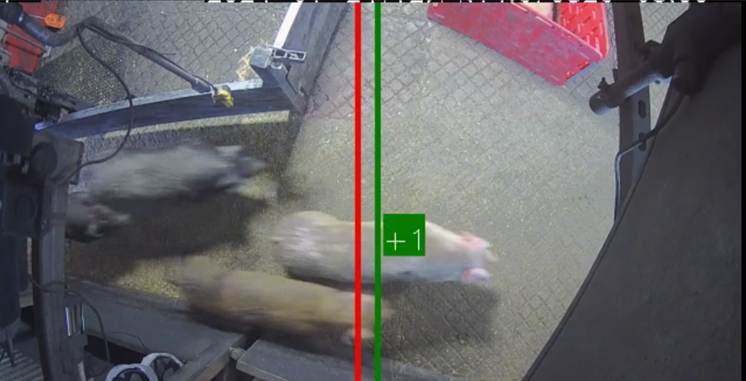
A camera mounted above a defined passage provides successive images of the animals moving through it. A neural-network detector identifies animals in the frames. Tracking software connects observations over time across overlapping entry and exit zones. A completed forward crossing adds one to the count, while a completed return subtracts one. Brief pauses within the overlap should not repeatedly change the total when the boundary is configured correctly.
However, the process depends on a clear view of the full passage. An animal hidden behind another animal, a gate or equipment may be harder to follow. Camera placement and the way the group moves therefore matter as much as the software.
AnimalCounter can be configured for different counting points. The product family includes PigCounter for pigs, CattleCounter for cattle and TruckCounter for loading-related installations. The team can assess other livestock species for the actual passage and camera view.
See the product video in context
From a live count to a saved record
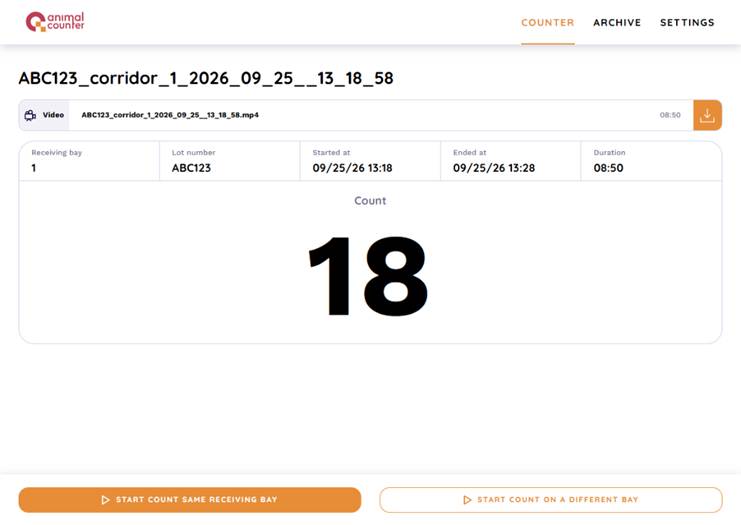
Before counting starts, the operator selects the receiving bay and enters a lot or freight number. The Counter screen then displays the selected bay, identifier, start time and current result. The operator can pause, resume and end the session.
After the transfer, the Archive brings together the lot identifier, receiving bay, start and end times and recorded count. The operator can open a session, download its video or export archived records to Excel. This helps colleagues retrieve the correct record if a total needs to be checked later.
Recorded video documents what was visible at that counting point. Loading and receiving figures may refer to different places and times, so the team should confirm the context before comparing them.
Livestock counting system setup and on-site accuracy checks
Start with the physical counting point. For automated animal counting, the livestock counting camera needs a stable position and an unobstructed view across the passage, including animals moving close to the barriers. Lighting, corridor width, mounting height, animal size and movement density all influence the setup.
System documentation describes 720p video, Power over Ethernet (PoE), an RTSP stream, fixed focus or disabled autofocus, and an IP67 or higher camera housing. The camera model and processing capacity are checked for each site and animal flow. Depending on the installation, counting can run on a local edge device or an on-site server with power and a working local network. Remote support and optional data services require the agreed connectivity.
Before relying on the figures, compare a complete AnimalCounter session with an independently checked manual count of the same animal movement. Check the camera coverage, lighting and recorded video together. Heavy congestion or full occlusion can affect tracking, and a successful trial at one passage cannot establish accuracy everywhere.
A LiveCorp-funded cattle-counting trial reported 98.97% overall accuracy for CattleCounter under the conditions tested. The research concerned a specific cattle workflow, with site-specific training affecting performance. The result does not establish accuracy at other installations.
To assess a livestock counting system for your site, share the animal species, passage width, possible camera position, lighting and number of receiving bays. A short photo or video of the planned counting point can help the team assess a suitable configuration.
Read the AnimalCounter product overview and contact AGRI-FOOD.AI about your site to discuss installation options and a demonstration.

Could recorded counts make your next livestock handover easier to review?
2025-03-19


 Our website uses cookies